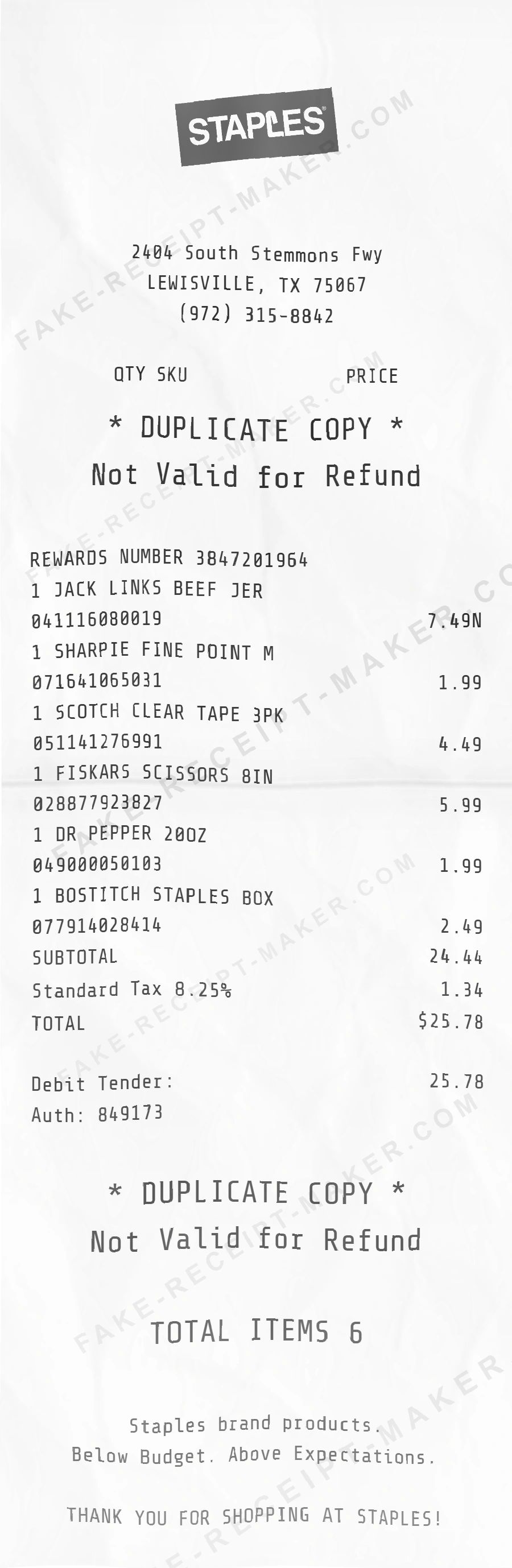
Generate Best Buy Receipt | Real Template
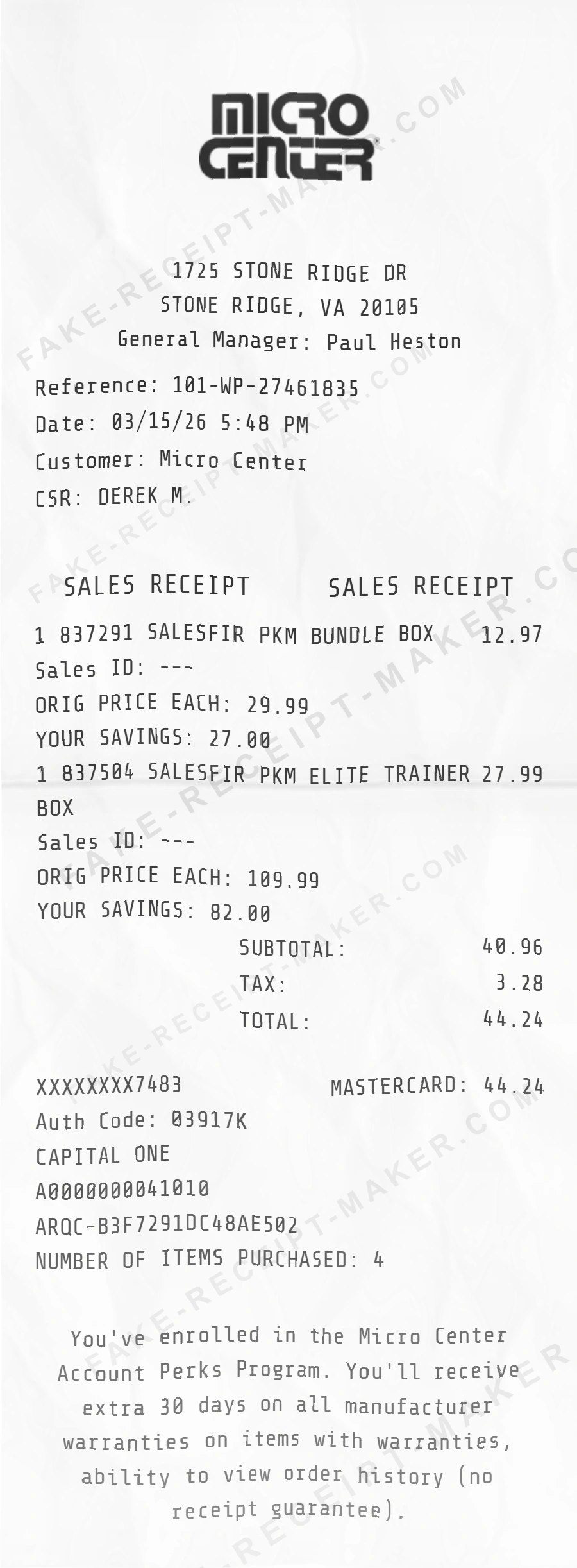
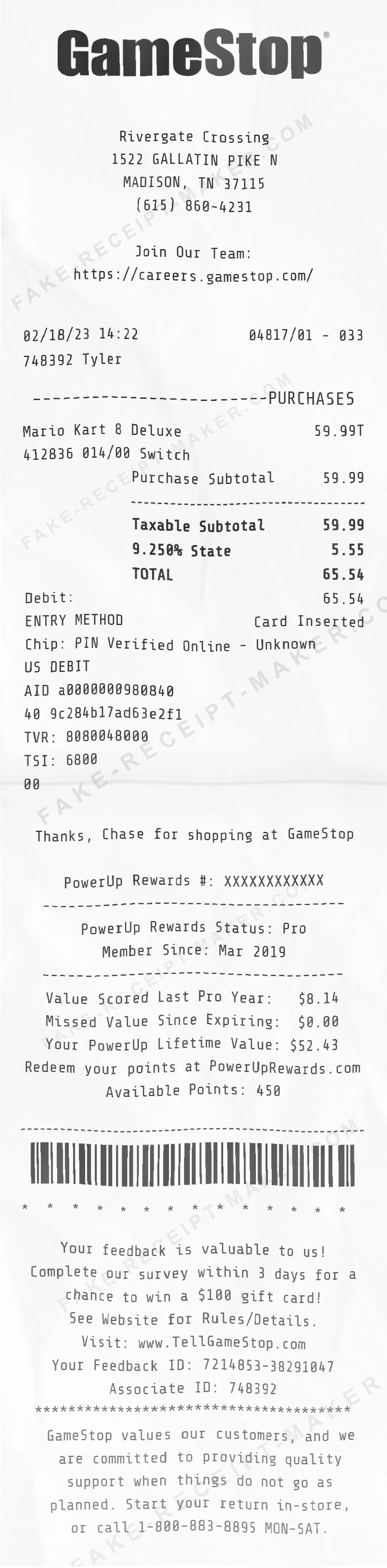
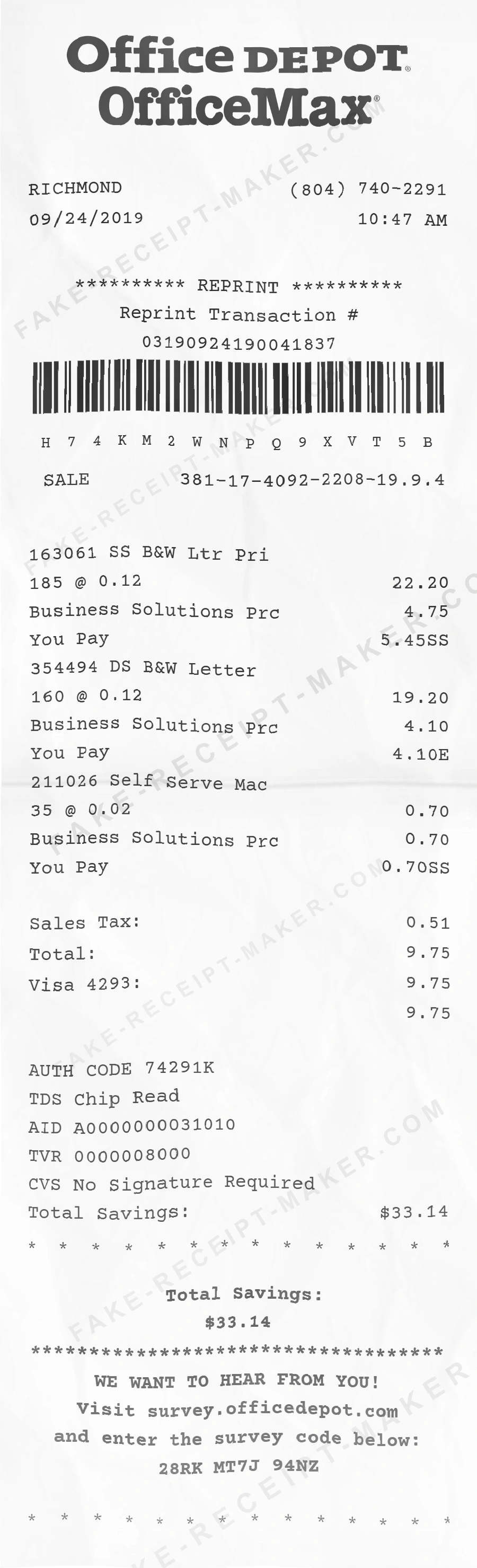
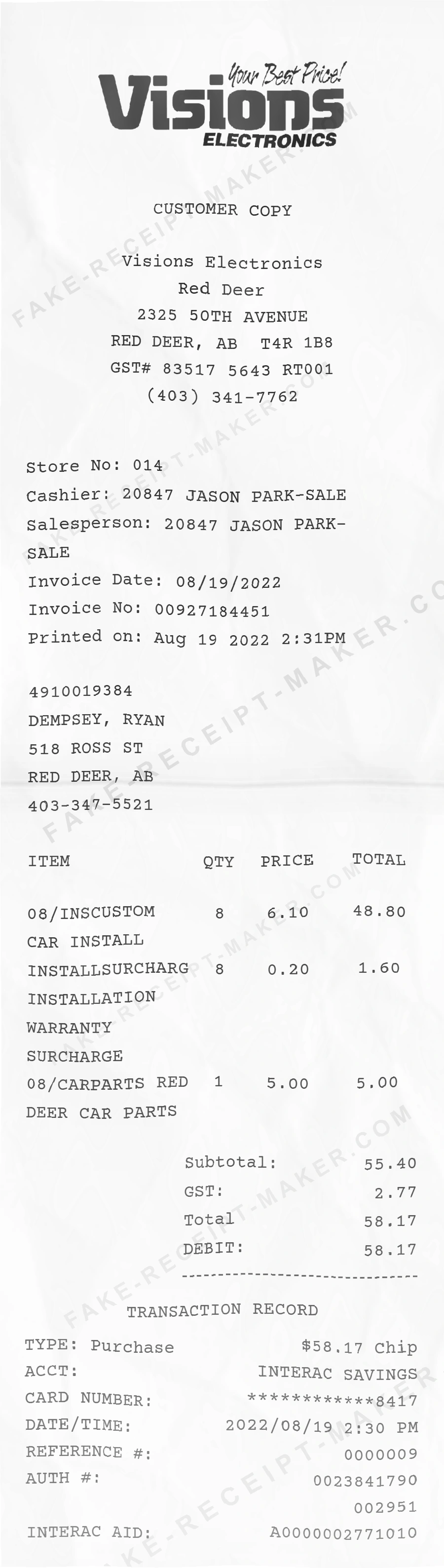
This Best Buy receipt template is based on a real electronics store receipt from Best Buy. The header shows the Best Buy store name, location, and contact number. The transaction section lists electronics products or accessories with model numbers, prices, and warranty information. The financial summary displays the subtotal, taxes, and total. The payment section shows the payment method and authorization details. The footer includes the receipt number, date and time, and return or exchange policy. Use our free Best Buy receipt maker to customize every element of this template — edit item names, prices, quantities, tax rates, store location, date, and payment method to match your needs. The Best Buy receipt generator is ideal for testing, design mockups, training materials, and educational purposes. Export your custom Best Buy receipt as a PNG or PDF, print it instantly, and reuse it as many times as you need. No software to download, no sign-up required.
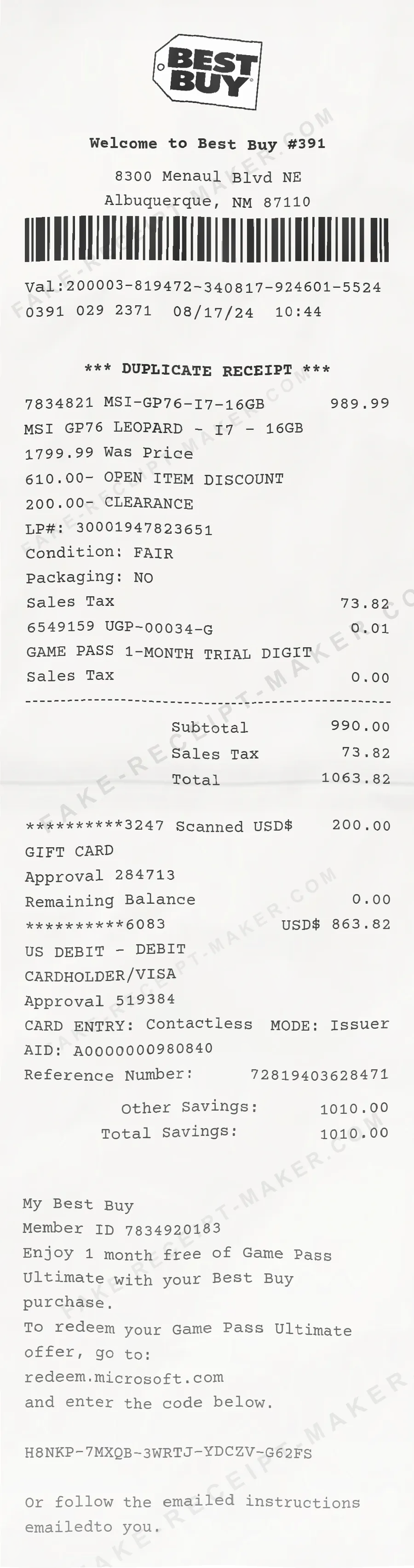
How to Make a Best Buy Receipt
With our receipt maker, create any receipt as easily as 1, 2, 3.
Choose from 100+ templates
Choose from lots of different receipt templates or create your own from scratch.
Add your information
Easily edit all information including line items, prices, payment info, etc.
Export it for use
One click export to use it in your email or print it out.
Frequently Asked Questions
Everything you need to know about the product and billing.
Get started in 1 minute
Still have questions?
Can't find the answer you're looking for? Please chat to our friendly team.
Get in touch